Accept trades instantly. Right in your browser.
The MVP Extension helps you confirm trades with fewer clicks, faster confirmations, and a smoother trading flow — without leaving Sniper Duels.
Install in 5 steps
Click Download Extension and save the archive.
Open chrome://extensions in your browser.
Enable Developer mode.
Click Load unpacked and select the extension folder.
Refresh Sniper Duels and sign in to your account.
If you use another Chromium browser (Edge, Opera, Brave), the steps are the same.
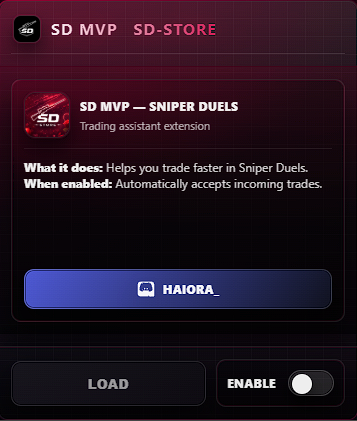
After loading, the extension UI appears on the Sniper Duels trades page.
Use it safely
Open Sniper Duels in your browser and go to the trades section.
The MVP Extension panel appears in the top-right corner.
Enable Instant Accept to accept incoming trades immediately.
Check the confirmation log to make sure the trade was accepted successfully.
For safety, turn it off (or use pause) when you are not trading.
Tip: keep “Instant Accept” off when you’re not trading.
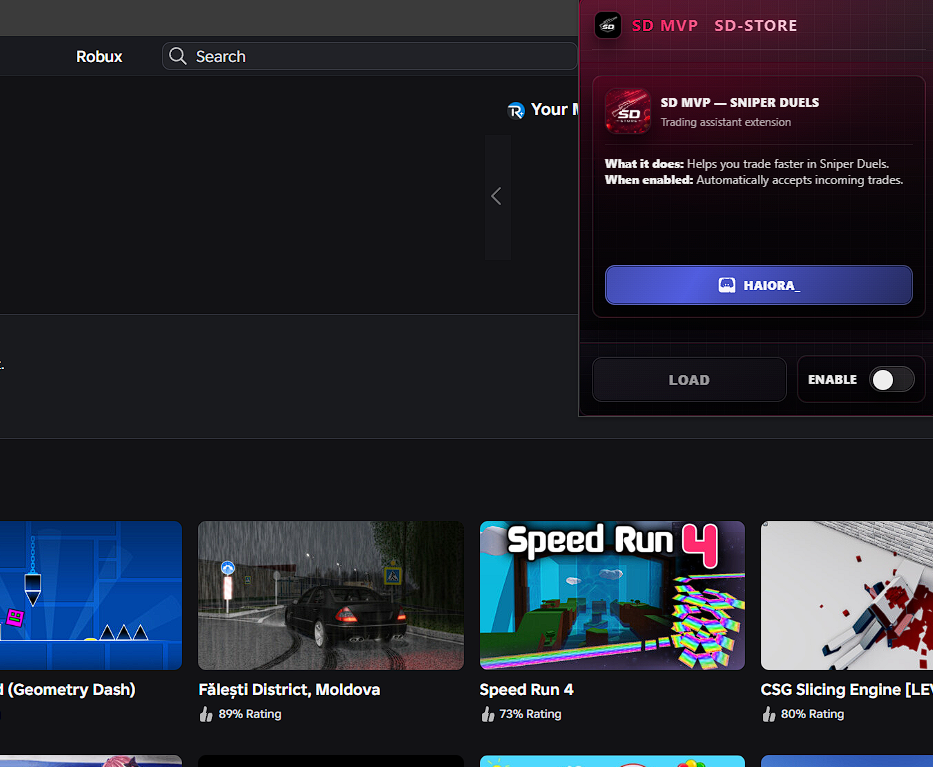
Keep an eye on status messages to avoid missed confirmations.